
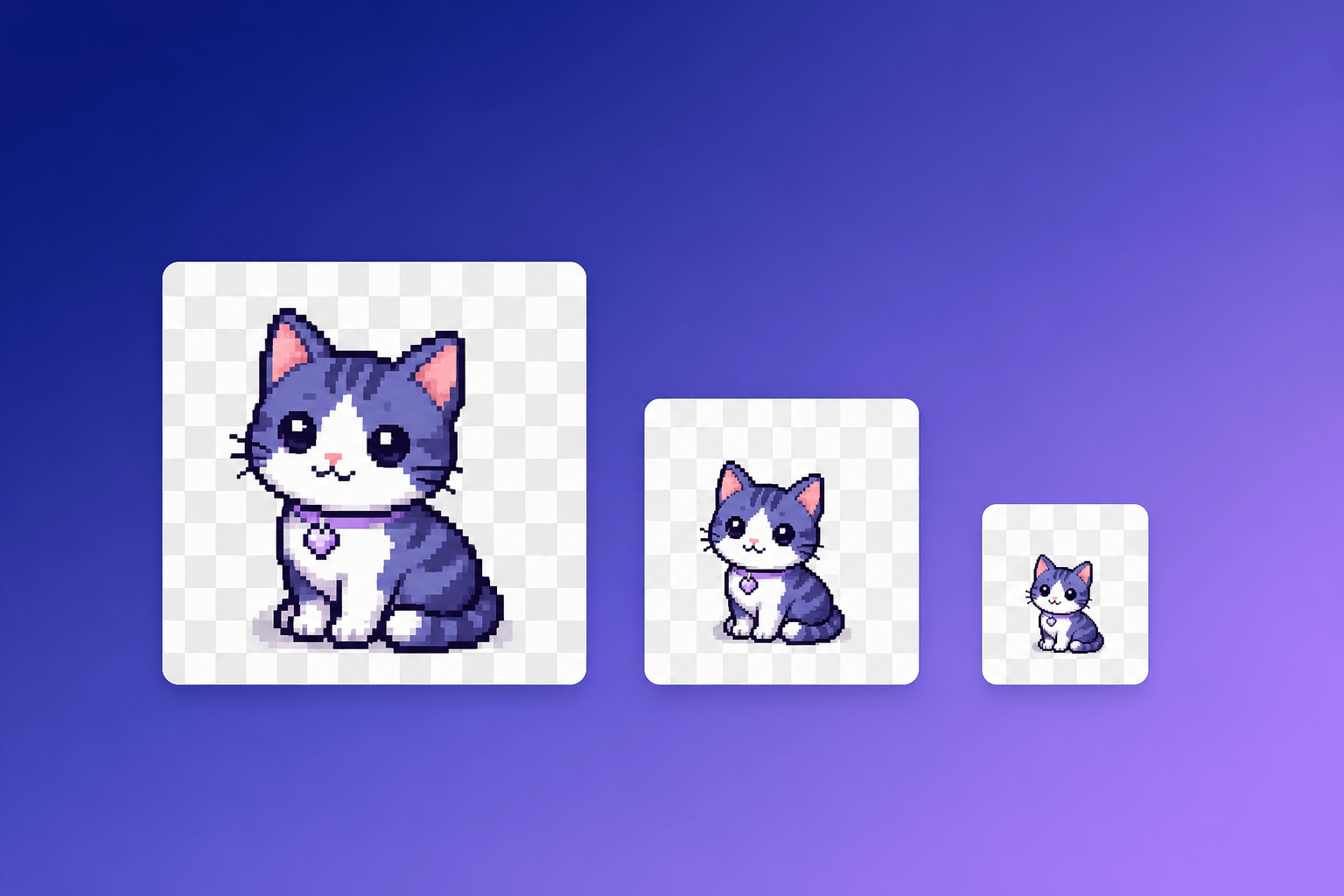
Twitch Emote Sizes: Exact Pixel, File Size and Format Requirements (2026)
Current Twitch emote sizes and limits: static 112/56/28 px PNG rules, animated GIF auto-resize (1MB, 60 frames) vs manual mode (512KB each), plus Discord and Slack emoji sizes.
Twitch emotes are square images with a fully transparent background. For static emotes you can either upload one PNG between 112×112 and 4096×4096 pixels and let Twitch’s auto-resize generate every size, or upload all three sizes yourself: 28×28, 56×56 and 112×112 pixels. Either way, each file can be up to 1MB. For animated emotes the same dimensions apply to GIF files: one square GIF (112×112 to 4096×4096 px, max 1MB, 60 frames) in auto-resize mode, or three GIFs (28/56/112 px) capped at 512KB each in manual mode.
Those are the numbers Twitch’s own requirements pages state today. A surprising number of first-page guides still quote a 25KB limit — that was the old rule, and it no longer matches Twitch’s official emote guidelines. This page lists every current requirement with sources, including the animated-emote rules many guides still miss, plus the matching Discord and Slack emoji sizes and a way to get compliant files without resizing anything by hand.
Key takeaways
- Static emotes: PNG, square, fully transparent background, max 1MB per file.
- Sizes: auto-resize one PNG from 112×112 to 4096×4096 px, or upload 28×28, 56×56 and 112×112 manually.
- Animated emotes: square GIF, max 60 frames, no flashing more than 3 times per second; 1MB auto-resize, 512KB per file in manual mode.
- Discord emoji: one square image under 256KB. Slack emoji: one square image under 128KB.
Twitch emote size requirements at a glance
Twitch accepts two upload modes for both static and animated emotes. Auto-resize is the default: you provide one large file and Twitch converts it into every size it displays. Manual mode gives you control over each size, but then you owe Twitch every file.
| Emote type | Mode | Files | Dimensions | Format | Max file size |
|---|---|---|---|---|---|
| Static | Auto-resize (default) | 1 PNG | 112×112 to 4096×4096 px | .png | 1MB |
| Static | Manual | 3 PNGs | 28×28, 56×56, 112×112 px | .png | 1MB each |
| Animated | Auto-resize (default) | 1 GIF | 112×112 to 4096×4096 px | .gif | 1MB, 60 frames max |
| Animated | Manual | 3 GIFs | 28×28, 56×56, 112×112 px | .gif | 512KB each, 60 frames max |
All files must be perfectly square, and every emote ships with a fully transparent background. Twitch also asks you to view the emote at 100% resolution before submitting, to confirm the lines stay sharp and any lettering is legible — the 28×28 copy in particular has very few pixels to work with.
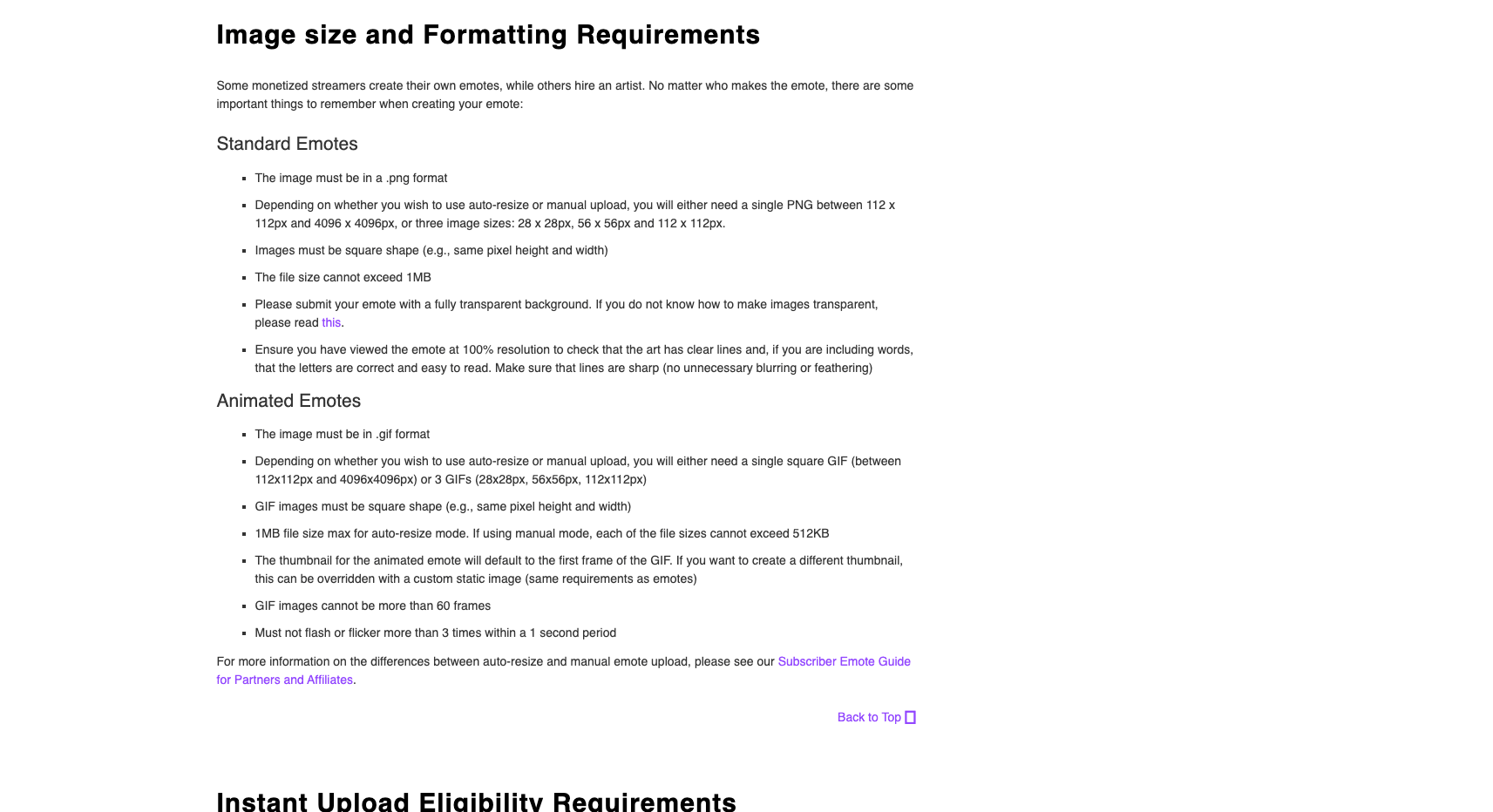
Source: Twitch Help, ‘Emote Formatting & Instant Emote Upload Requirements’, accessed November 7, 2026.
Who can upload emotes to Twitch
Emotes used to be an Affiliate-and-Partner privilege. With Monetization for All (rolling out globally from May 13, 2026), Twitch opened emotes — along with subs, badges and Bits — to all streamers who onboard through the Creator Dashboard (Twitch blog). Twitch’s emote formatting guide now applies to “all monetized streamers”.
One detail worth knowing before you upload: whether your emote goes live instantly. Affiliates qualify for instant upload after streaming at least 60 unique days in a rolling year, and new Partners qualify 60 days after becoming Partner (without recent warnings or suspensions). Everyone else’s uploads go through manual review, which Twitch says can take a few days — worth factoring into a scheduled emote reveal.
Static emote requirements
A static Twitch emote is a single still image:
- Format: PNG (
.png). - Shape: square — the same pixel height and width.
- Background: fully transparent, so the emote reads cleanly on light and dark chat themes.
- Dimensions: one PNG anywhere from 112×112 to 4096×4096 px with auto-resize on, or exactly 28×28, 56×56 and 112×112 px when you upload manually.
- File size: the file cannot exceed 1MB.
The three sizes exist because Twitch renders the same emote at different scales across chat and its interface. With auto-resize, Twitch generates those scaled copies from your single upload; with manual mode, you hand it each one. If your art has fine detail, check the 28px version — that’s where emotes usually fall apart.
Animated emote requirements
Animated emotes are GIFs, and Twitch applies a few rules the static list doesn’t have:
- Format: GIF (
.gif), square. - Dimensions: one GIF from 112×112 to 4096×4096 px (auto-resize, the default), or three GIFs at 28×28, 56×56 and 112×112 px (manual mode).
- File size: 1MB max in auto-resize mode; in manual mode, each of the three files can be at most 512KB.
- Frames: no more than 60 frames.
- Motion: the GIF must not flash or flicker more than 3 times within a 1-second period — an accessibility rule aimed at strobing effects.
- Thumbnail: the static preview defaults to the first frame of your GIF; you can upload a custom static image instead (same requirements as a static emote).
- Completeness: in manual mode, any missing size means the animated emote will not go live.
Two platform details matter when you plan a set. Animated emotes live in their own slots — Affiliates start with 5 and can unlock up to 20, while Partners can earn up to 60 Tier 1 slots plus 5 each for Tiers 2 and 3. And playback is still uneven across devices: animated emotes animate in the Twitch Android app, while iOS viewers currently see them as static images.
If you already have a static emote you like, Twitch’s Easy Animate can apply a preset animation (shake, rave, roll, spin, slide in, slide out) to a PNG between 112×112 and 4096×4096 px up to 1MB. It animates existing art — it can’t create a custom animation from your description.
Discord and Slack emoji sizes
The same emote usually travels to Discord or Slack, and those platforms ask for one square file instead of a size set:
| Platform | Format | Size | Max file size | Notes |
|---|---|---|---|---|
| Discord | JPEG, PNG, GIF, WEBP | Square (128×128 is the practical standard) | Under 256KB | 50 static slots per server; +50 animated slots with Nitro or Nitro Basic |
| Slack | JPG, PNG, GIF | Square (128×128 works well) | Under 128KB | Transparent backgrounds work best; GIFs up to 50 frames |
Two Discord specifics from its own support docs: animated custom emojis need one of the extra 50 animated slots that come with Nitro or Nitro Basic, and Twitch emotes synced into Discord appear as static images — if you want a Discord emoji to animate, upload the GIF to a server manually.
Getting compliant files without resizing anything
The traditional workflow is a resizing grind: draw at a comfortable canvas, shrink the art to 112, 56 and 28 pixels, check that the smallest copy still reads, compress each file under its cap — and repeat for every platform. Tools exist for each step, but you assemble them yourself, and the 25KB limit many older guides mention makes it sound tighter than Twitch’s current 1MB rule actually is.
EmoteLoop (not affiliated with or endorsed by Twitch) collapses that into one step. You describe the emote — or upload a photo of yourself — and it generates a 512px transparent GIF with 8 looping frames, under 1MB, which fits Twitch’s auto-resize window (112×112 to 4096×4096 px) and uploads directly with no resizing. The result page also exports a static PNG frame and an emote pack zip: Twitch 112/56/28 for manual mode, Discord 128 and Slack 128, every file compressed under its platform’s cap with a binary alpha channel so the transparency survives on both chat themes. Each file is code-checked for frame count, loop metadata, transparent pixels and dimensions before you download it; generations that fail validation return your credits. Text generation costs 4 credits and photo generation 5, and new accounts start with 4 free credits.
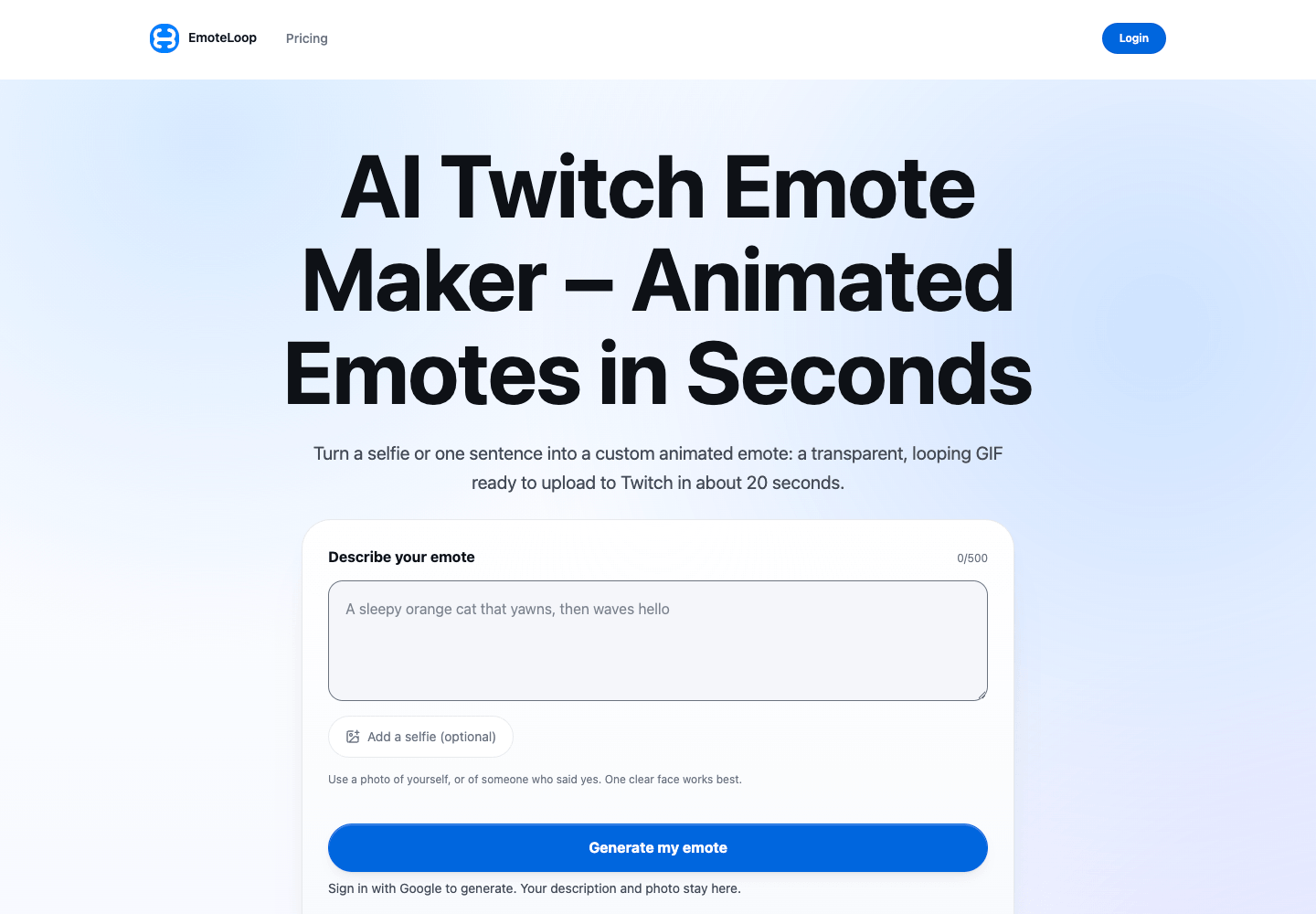
EmoteLoop.com, recorded November 6, 2026.
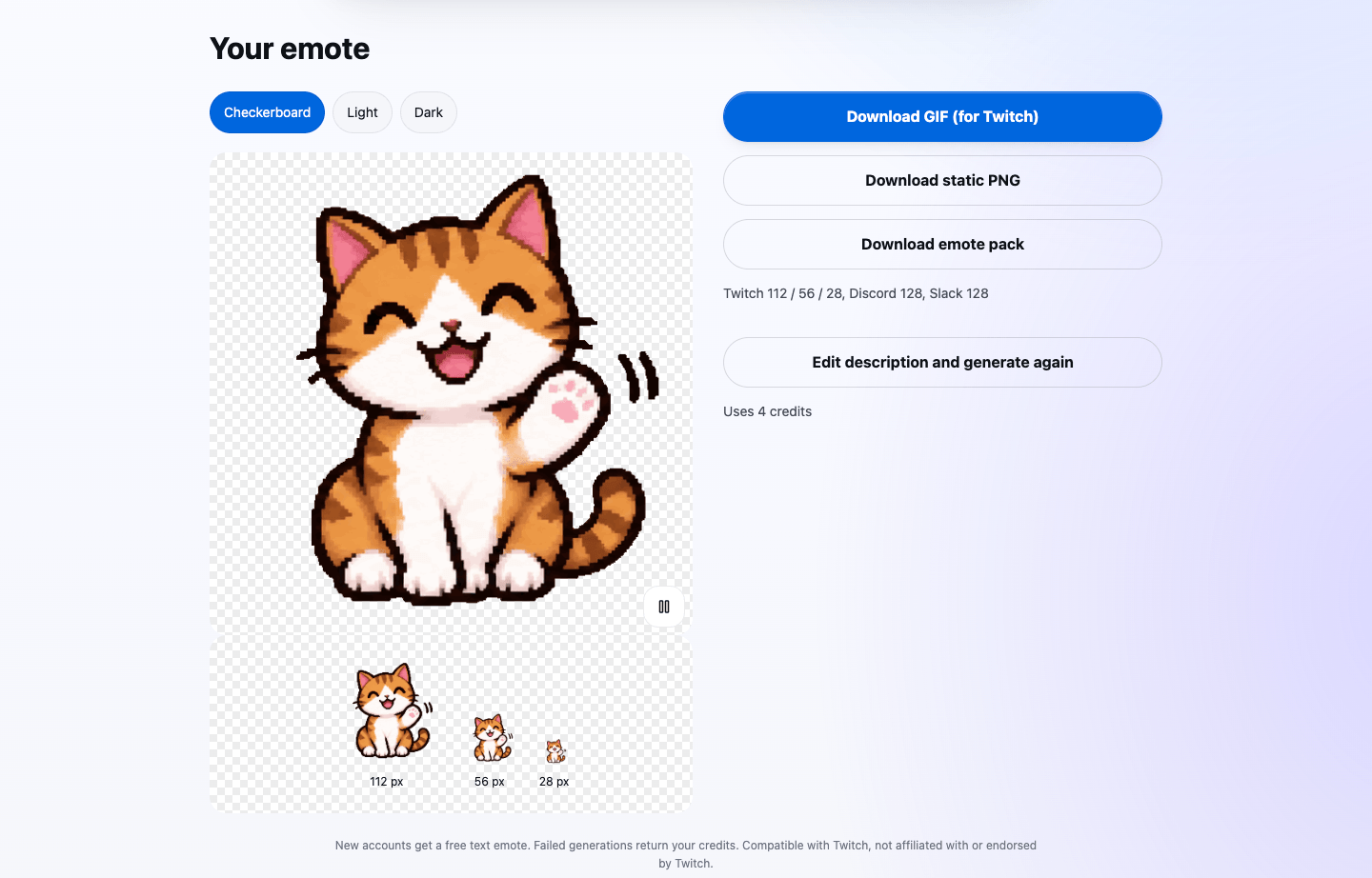
EmoteLoop.com result page, recorded November 6, 2026.
This isn’t a theoretical workflow: in EmoteLoop’s November 2026 production acceptance run, both a text-described and a photo-based generation produced compliant GIFs and a verified size pack on the live site.
Pre-upload checklist
Before you submit anything to Twitch:
- Dimensions: one file at 112×112 px or larger (up to 4096×4096), or all three of 28×28, 56×56, 112×112 px.
- Format: PNG for static, GIF for animated — perfectly square, fully transparent background.
- File size: up to 1MB per file (static and animated auto-resize); 512KB per file in animated manual mode.
- Animated only: 60 frames max, no flashing faster than 3 times per second, thumbnail set (first frame or custom).
- Readability: view at 100% and confirm the 28px copy is still legible on light and dark backgrounds.
- Instant upload: check whether you’ve met the 60-day eligibility — otherwise leave review time in your schedule.
If you’d rather skip the resizing and compression entirely, generate an emote at EmoteLoop: one description or photo gets you a directly-uploadable GIF plus a size pack for Twitch manual mode, Discord and Slack in the same download.